.png)
How do I cancel my subscription?Updated 6 months ago
1. Sign in to your account
Click “Sign In” in the top right corner of the website.
2. Enter your email
Use the email associated with your subscription. We’ll send you a one-time code to your email to log in securely. If you have any issues receiving this code, please contact [email protected] and our team can assist you further.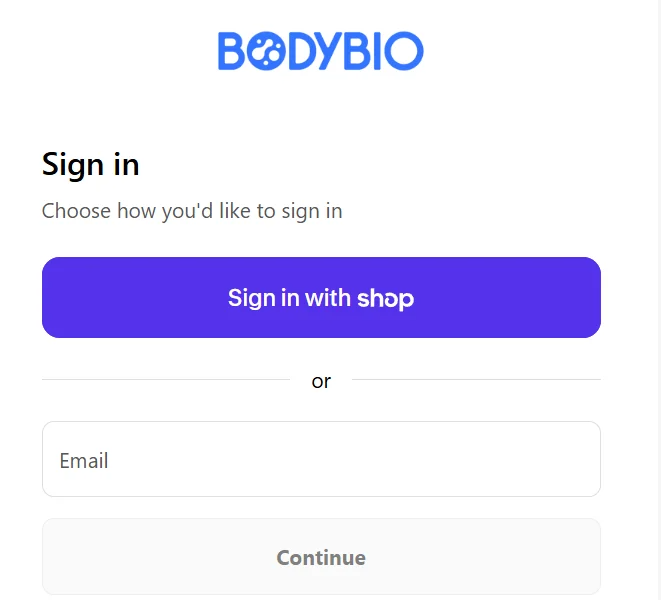
3. Go to your subscriptions
Once logged in, navigate to the top of the page and select “Subscriptions.”
4. Mangage Subscriptions
Select "Manage subscriptions" to see a comprehensive list of your current subscriptions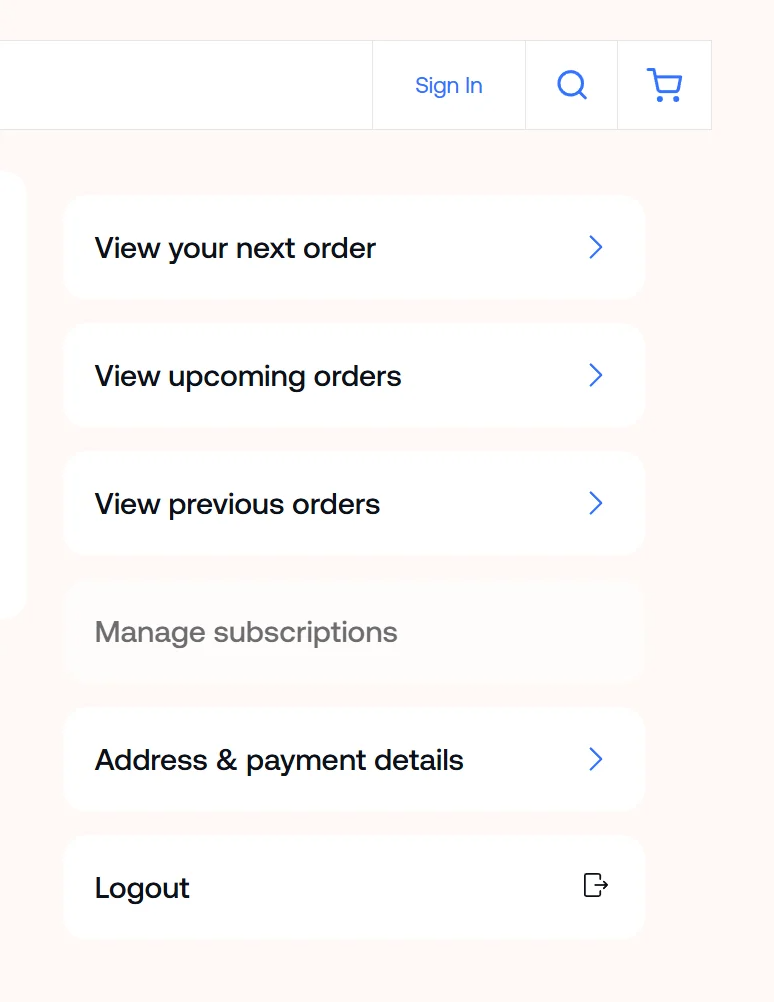
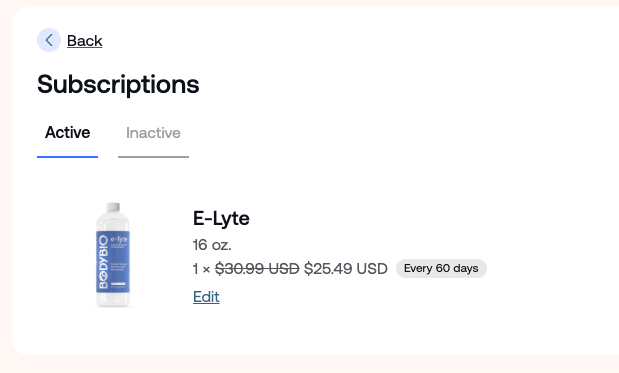
5. Locate the subscription you would like to cancel
Select "Edit" below the product
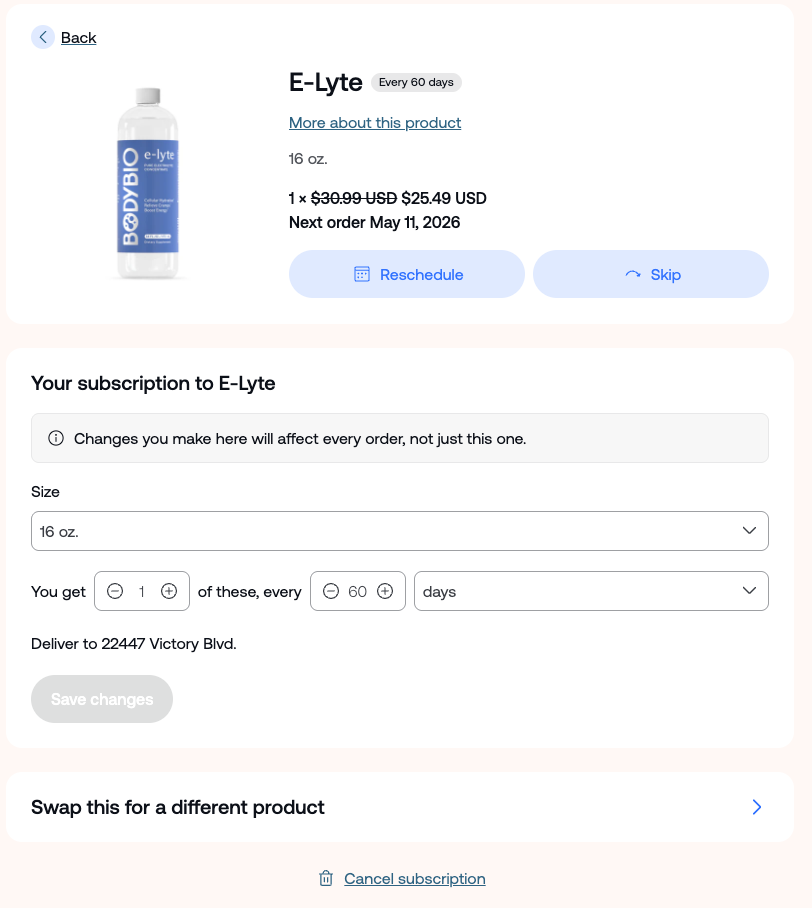
6. Cancel your subscription
Scroll to the bottom of the page and click “Cancel subscription.”
You’ll be asked to complete a short survey—this feedback helps us improve. There’s also an optional notes section if you’d like to share more about your experience.